The app does the work
Install it on a computer or server you trust. It starts your dbt Cloud jobs, follows your schedules and keeps your dbt Cloud key on that machine.
tetherOps Hybrid · for dbt Cloud
An app on your computer starts your dbt Cloud jobs in the right order and on schedule. Your whole team follows every run on the tetherOps website.
This is the tetherOps app. Each part is outlined in turn; click one to stay on it.
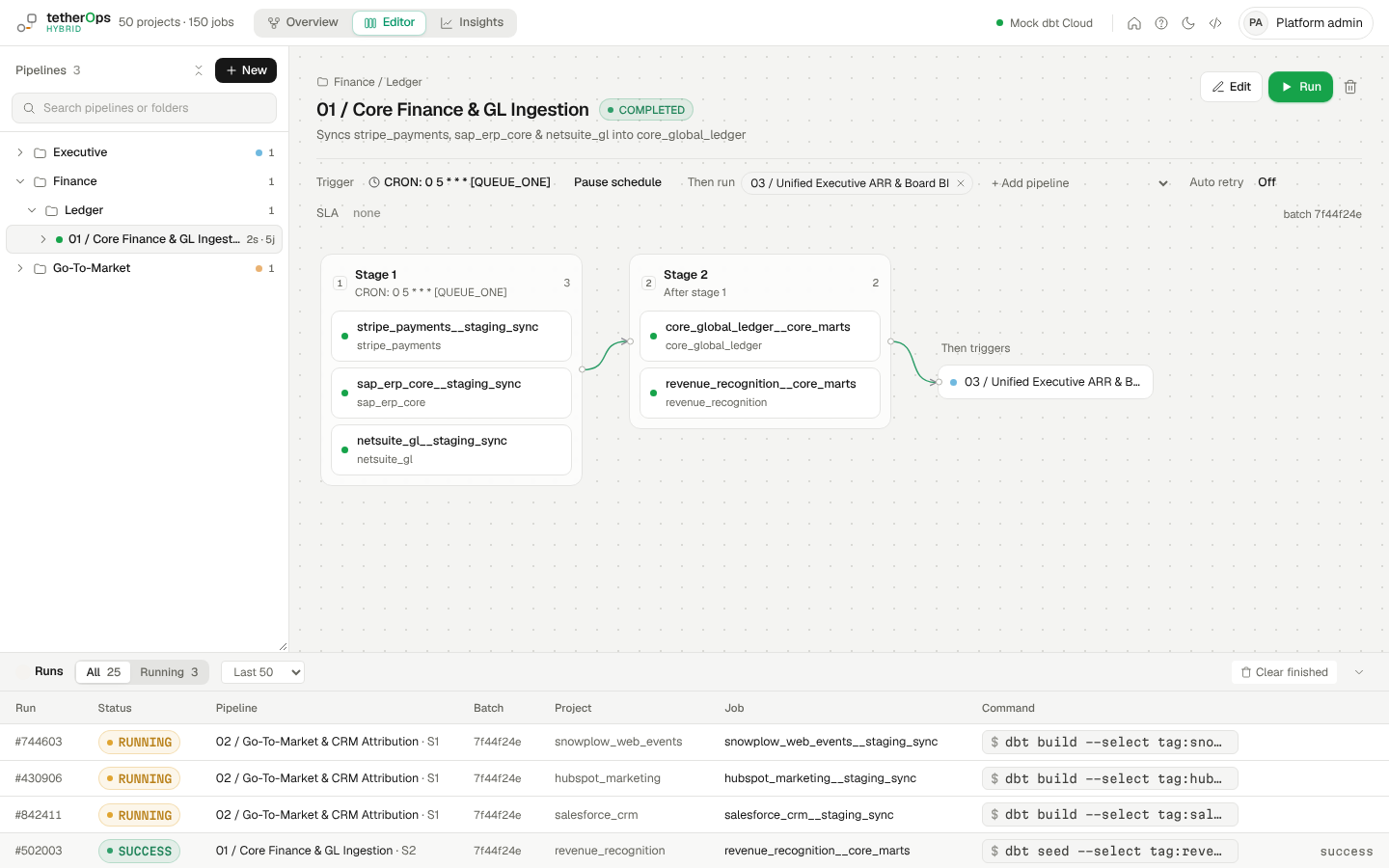
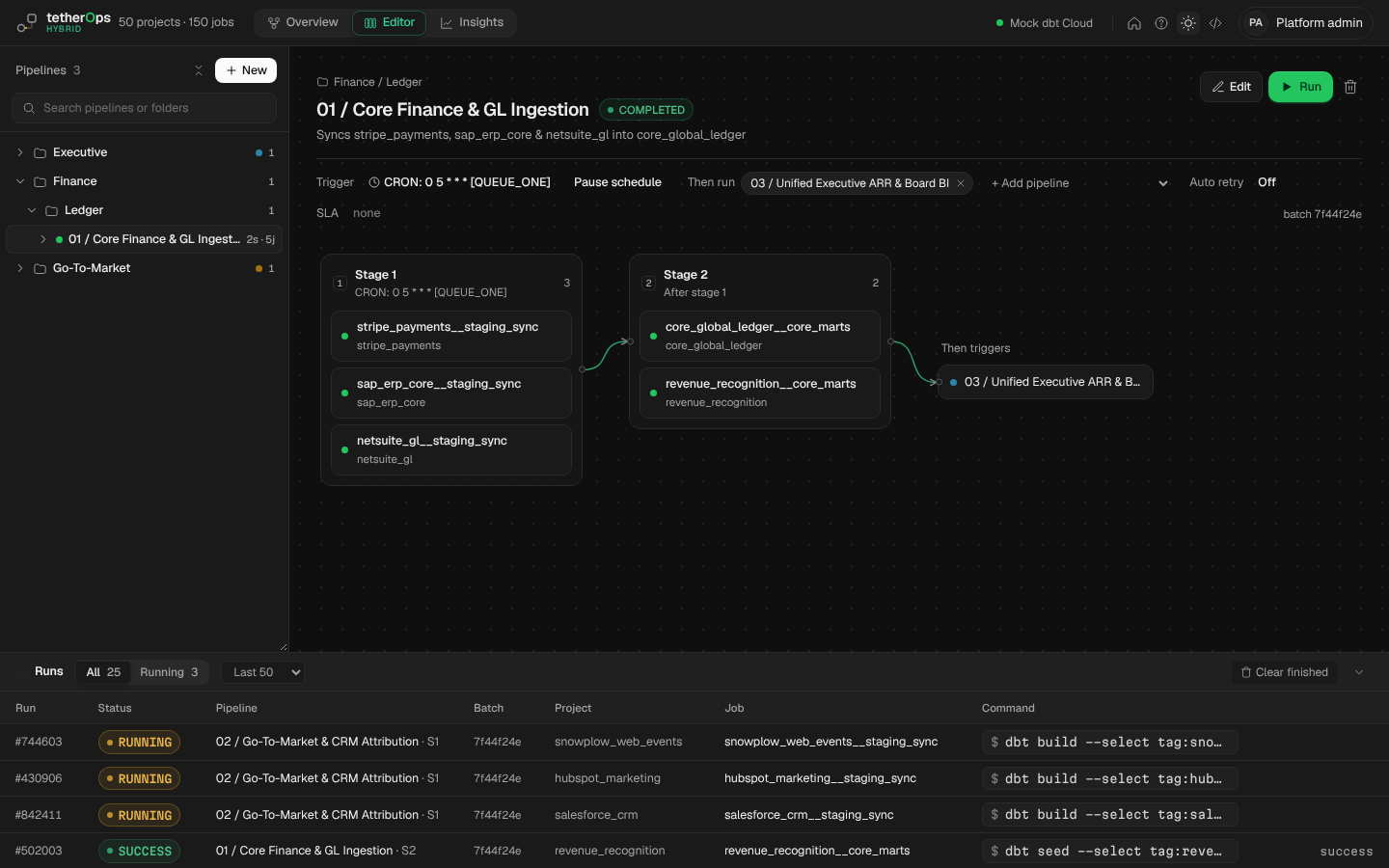
Two parts: an app that does the work on your computer, and a website where your team keeps up with it.
Install it on a computer or server you trust. It starts your dbt Cloud jobs, follows your schedules and keeps your dbt Cloud key on that machine.
Your team signs in to see what's running, what failed and how things are going, and can pause a schedule or retry a failed run.
Every 30 seconds the app sends names, statuses, times and error messages. Never passwords, logs or your data, and nothing connects in.
Everyone signs in with their tetherOps account and has the same role in the app and on the website.
Build and change pipelines, connect dbt Cloud, set schedules, alerts and automatic retries, start or stop runs, and see the full history.
The team dashboard and trends, pausing a schedule or retrying a failed run, who's on your team and what they can do, and your plan.
Your pipelines keep running and anyone signed in stays signed in. In an emergency an admin can use a one-time recovery code, and the team is told.
No license keys. The app learns your plan (Free, Team or Business) from the website. If it can't reach the website for 14 days it uses the Free plan until it can; your pipelines keep running.
About five minutes on a Mac or Linux computer.
# copy your workspace's line from its page on the website
curl -fsSL https://…/install/<token> | sh
# installs the tetherOps app
# keeps it running, even with the window closed
# shows a short code to approve on the website
2 · Approve the codeAn admin of your workspace types the code in on the website. The app is now linked, and your team signs in with their tetherOps accounts.
3 · Connect dbt CloudIn the app, add your dbt Cloud account number and API key, or try everything with sample data first.
4 · Build pipelinesPut your jobs in the order they should run, choose when they run, and follow them from anywhere.
A pipeline is a list of dbt Cloud jobs in the order they should run. No more guessing the gaps between schedules.
Jobs in the same stage run together. The next stage starts only when they've all finished well.
A pipeline can start when the ones before it finish: all of them, or just one.
If the computer was off when a run was due, choose to skip it, run it once, or catch up.
When something fails, rerun only what failed and what depends on it, then carry on.
What helps once your pipelines are running every day.
The app is one program and one small database file. It keeps run history, never your warehouse data.